
Ekahau Sidekick pre survey checklist
Ekahau Sidekick pre survey checklist
A practical pre survey checklist for Ekahau Sidekick and Sidekick 2: maps, batteries, cables, software access, scope, safety, and field notes.
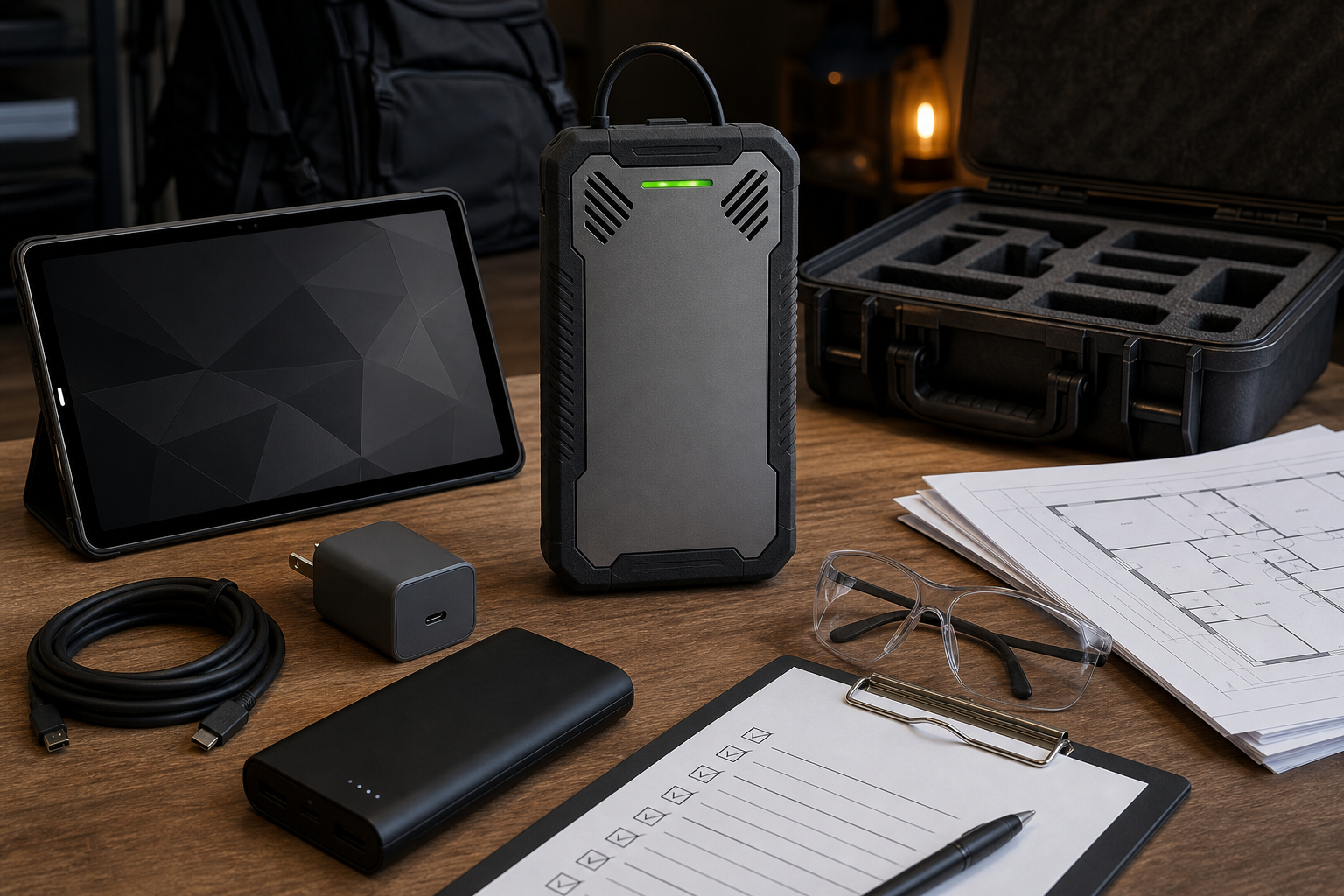
Use this checklist before walking a site with Ekahau Sidekick or Sidekick 2. It is written for practical field preparation, not as an official device manual. Always verify exact device, cable, charging, app, and compatibility details against current Ekahau documentation.
The goal is to avoid wasting the survey window. Most bad surveys fail before the first step is walked: wrong map, wrong floor, missing charger, unclear objective, missing access, or no plan for notes.
24 hours before survey day
Hardware and power
- Confirm whether the kit is Sidekick or Sidekick 2.
- Charge the Sidekick, laptop/tablet/phone, and any power banks.
- Pack all cables, chargers, adapters, and accessories required for the exact device model.
- Confirm the device powers on.
- Confirm the survey device can see the Sidekick using the documented connection method.
- Pack backup power for long warehouse or multi floor walks.
Software and access
- Confirm app/software access and account/license availability.
- Confirm the project file opens.
- Confirm maps/floors are loaded.
- Confirm offline access if the site may have poor internet.
- Confirm any required firmware/software updates before traveling.
- Do not update software immediately before a survey unless you know the impact.
Scope and objective
Write the objective in one sentence:
- “Validate warehouse scanner coverage in aisles A to F and docks 1 to 8.”
- “Create a heatmap for office conference room performance and roaming paths.”
- “Collect data for PacketScout to review AP placement and channel behavior.”
Then list:
- floors and areas in scope
- areas out of scope
- SSIDs and bands to review
- known AP/controller details
- critical devices and applications
- problem locations
- required deliverables
Floor plan checklist
Map quality decides whether the survey can be interpreted. Ekahau’s map import support material warns that photos of physical plans can distort scale because of perspective or lens distortion, so clean digital plans are preferable when available.
Check:
- correct building and floor
- readable room/aisle labels
- known scale or reliable measurement
- one map per floor/area where needed
- large spaces split into zones if easier to walk
- locked or restricted areas marked
- docks, aisles, labs, warehouses, and offices labeled
- old walls or missing remodel details noted
Use Prepare Floor Plans for Ekahau Survey Work if the map is questionable.
Onsite arrival checklist
Before walking the full survey:
- Confirm the map matches the physical area.
- Verify scale using a known measurement.
- Confirm Sidekick is detected by the survey app/software.
- Confirm the correct project, floor, and survey mode.
- Walk a short test path.
- Review whether the path aligns with the map.
- Confirm notes/photos can be captured if needed.
- Confirm safety/access limitations for the path.
If anything is wrong, stop and fix it before collecting production data.
Field note checklist
Capture what a heatmap cannot explain by itself:
- AP locations and mounting height
- APs hidden above ceilings or inside enclosures
- metal racks, machinery, glass, concrete, freezer walls, or other obstructions
- high density rooms or areas
- scanner model and complaint locations
- docks, doors, staging, and outdoor transitions
- locked rooms or skipped areas
- cabling or lift constraints
- user symptoms and time of day patterns
Before leaving checklist
- Every scoped area was walked.
- Critical aisles/rooms/docks have enough data.
- Survey paths align with the floor plan.
- Notes/photos are attached to useful locations.
- Excluded areas are marked honestly.
- The project file is saved/backed up according to the planned workflow.
- If data looks wrong, affected sections are re walked.
PacketScout support paths
- Need equipment only? Start with WiFi survey equipment rental.
- Need Sidekick workflow guidance? Use the Ekahau Sidekick Field Guide.
- Need PacketScout to plan, walk, or interpret? Use Ekahau WiFi survey services.
Role based checklist
Different people care about different parts of the survey. Use this to avoid last minute confusion.
| Role | What they should confirm |
|---|---|
| IT/network owner | SSIDs, AP/controller details, survey objective, app/software access, known problem zones |
| Facilities/building contact | Floor plans, access, locked rooms, ceiling spaces, lifts, docks, safety/PPE requirements |
| Operations lead | Critical workflows, scanner/device complaints, shift timing, dock/warehouse constraints |
| Survey walker | Equipment, maps, scale, walking path, notes/photos, data save workflow |
| Report reviewer | Required deliverable, success criteria, known risks, and how findings should be used |
When nobody owns one of these roles, the survey usually discovers the gap too late.
Common pre survey mistakes
- Treating a phone photo of a floor plan as “good enough” without scale validation.
- Forgetting to test that the survey app/software sees the Sidekick before leaving for the site.
- Assuming the onsite contact can unlock every room, dock, cage, or warehouse zone.
- Planning a hallway only walk for a project that depends on offices, aisles, or scanner paths.
- Skipping notes because “the heatmap will show it.”
- Updating software or firmware immediately before the survey without time to test.
- Forgetting that older Sidekick and Sidekick 2 documentation describe different hardware generations.
Minimum deliverable package after the walk
A useful self collected package should include more than the map:
- survey project/export
- floor plans used
- list of walked areas and skipped areas
- notes/photos for APs, obstructions, locked rooms, and trouble zones
- client device list and symptoms
- screenshots or report pages if the project will be reviewed by someone else
- questions that need PacketScout interpretation
If the goal is a professional recommendation, do not delete the messy context. The notes often explain why the map looks the way it does.
Fast go/no go test before walking
Before the real survey path starts, do a five minute go/no go test. Stand in a known location, confirm the active map/floor, collect a short path, and check that the plotted movement matches the actual hallway or aisle. Then verify that the project is saving correctly. This test is boring when everything works, but it catches the problems that ruin a rental window: wrong floor loaded, map scale off, Sidekick not detected, app permissions blocked, or survey mode not collecting the expected data.
If the test fails, pause the survey. Fix the map, device connection, software access, or scope issue before continuing. Do not collect an hour of data and hope the report can be repaired later.
FAQ
When should the pre survey checklist be completed?
Complete the main checklist at least one day before the visit, then repeat a short arrival check onsite before collecting real survey data.
What is the most common preventable Sidekick survey problem?
Bad preparation: wrong or unscaled maps, missing software access, battery/cable problems, unclear scope, or skipped access/safety requirements.
Can PacketScout help if we rent the equipment?
Yes. A hybrid workflow can include rental equipment plus PacketScout help with planning, map preparation, survey review, or recommendations.
Want PacketScout to review the site?
Send the floor plan, square footage, AP model, critical devices, and the problem you are trying to solve.