
Warehouse WiFi design notes for scanners and mobile devices
Warehouse WiFi design notes for scanners and mobile devices
Technical warehouse WiFi design guidance for scanners, forklifts, racks, docks, AP placement, channel planning, validation, and heatmap interpretation.
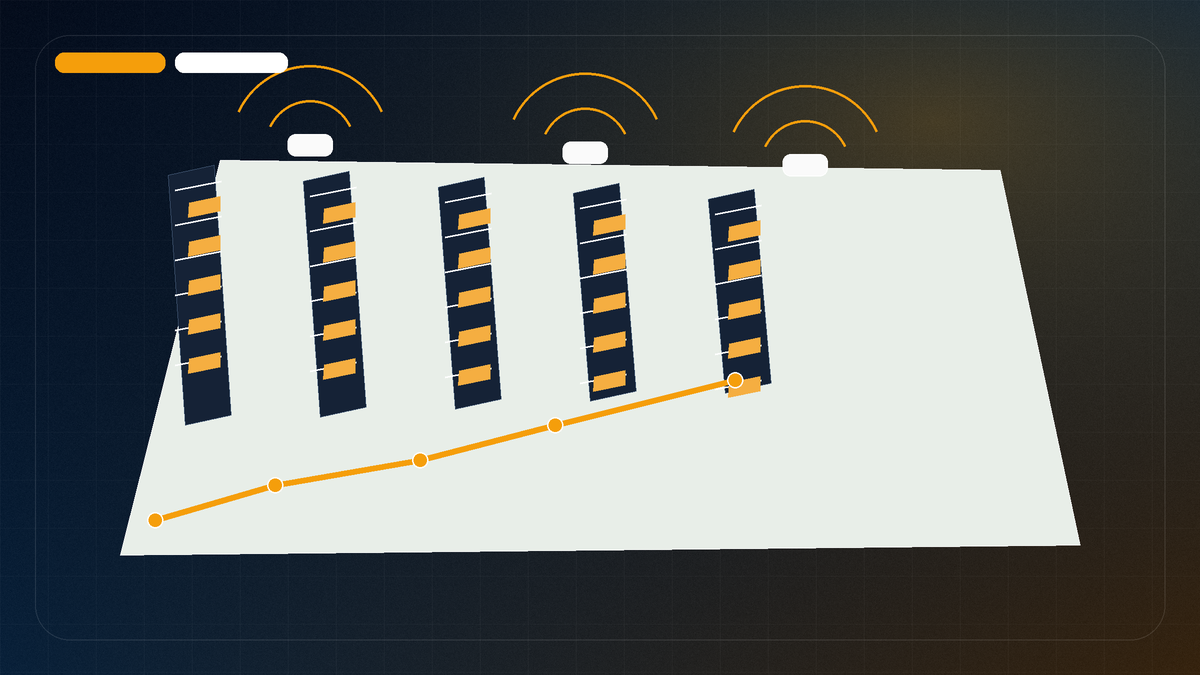
Warehouse WiFi has its own physics and its own bad habits. Tall ceilings, metal racks, forklift traffic, dock doors, changing inventory, freezer walls, handheld scanners, tablets, label printers, and automation all change what the radio sees. Ekahau warehouse guidance points to the same practical issue: the floor plan may stay the same while the RF path changes every time the operation changes.
Treat the project as field validation. Count APs later. First prove where scanners, terminals, and tablets actually work.
Start with the operational workflow
A warehouse survey should begin with how work actually happens. Ask these questions before discussing AP count:
- Which areas are used for receiving, picking, packing, staging, shipping, returns, and inventory control?
- Where do scanner drops or application freezes happen?
- Are devices handheld, forklift mounted, cart mounted, wearable, or tablet based?
- Do workers roam across aisles, zones, docks, freezer areas, or yard transitions?
- Are there automation systems, AMRs, robots, or machine control clients in scope?
- Are problems tied to certain shifts, inventory levels, dock activity, or doors being open?
- Are there safety escorts, lift requirements, or restricted areas that change how the survey can be walked?
The design must support the workflow and the building outline.
Warehouse inputs to collect
| Input | Why it matters |
|---|---|
| Rack height and aisle width | Affects line of sight, mounting choices, and whether down aisle coverage is realistic. |
| Rack fill and product material | Empty racks, dense cartons, metal parts, liquids, and seasonal inventory can change RF behavior. |
| Ceiling height and mounting options | High mounted APs can cover broadly but may not serve clients well in aisles. |
| Dock doors and staging lanes | Doors, trucks, open/closed states, and outdoor transitions can affect coverage and roaming. |
| Scanner and client models | Band support, antenna design, transmit power, roaming behavior, and application needs vary. |
| Forklift mounted devices | Mounting height, vehicle movement, and power/antenna placement can differ from handheld devices. |
| Cold storage or freezer areas | Construction materials, doors, condensation concerns, and access rules may require separate validation. |
| Safety constraints | Survey paths may require PPE, escorts, lift access, or downtime windows. |
These notes decide where to walk, what to measure, and how to read the report.
Client devices matter as much as APs
A common mistake is designing from the AP side only. Warehouse problems are often client side too. A scanner may not roam like a laptop. A forklift terminal may hear APs differently than a phone. A legacy device may be limited to older bands, narrower capabilities, lower transmit power, or a roaming algorithm that does not match the controller’s assumptions.
Collect the client details:
- scanner make/model and radio capabilities
- supported bands and channel widths
- voice, telnet, RDP, browser, WMS, or custom app behavior
- application timeout/session behavior
- roaming symptoms: drop, freeze, reconnect, slow scan, missed transaction
- whether the device is handheld, forklift mounted, or fixed
- whether old and new scanner fleets are mixed
A report that ignores the client can produce AP recommendations that look correct on a heatmap but still fail the workflow.
AP placement and antenna decisions
Warehouses often require deliberate AP and antenna decisions:
| Decision | Field question |
|---|---|
| High mount omnidirectional AP | Is the goal broad coverage, and can clients still communicate reliably from the floor? |
| Directional/patch antenna | Does a down aisle or focused zone need more controlled coverage? |
| Cross aisle vs down aisle | Which direction follows the user path and avoids unnecessary overlap? |
| AP below obstruction level | Is there a safe, maintainable mounting point closer to clients? |
| Outdoor/dock transition AP | Do clients need to maintain sessions across yard or dock movement? |
| Freezer/cold area AP | Are enclosure, cabling, access, and environmental requirements understood? |
There is no universal AP pattern. The design has to match client movement, rack layout, cabling, safety, mounting, and RF validation.
RF planning: high power is not a fix
Turning every AP to high power can make a warehouse worse. Clients may stick to far APs, roaming boundaries may become messy, and channel reuse can become crowded. Review same-channel and overlapping-channel areas alongside noise, client requirements, target data rates, channel width, and AP placement before changing hardware.
Practical RF planning principles:
- define requirements by workflow and device type
- use 2.4 GHz carefully when legacy devices require it
- prefer channel plans that avoid unnecessary same/overlapping channel contention
- tune transmit power based on survey results, not hope
- use 5 GHz or 6 GHz only where client support and site requirements justify it
- treat high density automation and scanner areas as validation zones
- inspect SNR/noise/channel behavior, not only signal color
For the RF terms behind this, read Signal, SNR, Noise, and Channel Overlap.
Walk the path the work takes
A warehouse survey path should match operations:
- every production aisle in scope
- pick paths and replenishment paths
- receiving, shipping, and staging lanes
- dock doors and outdoor transition points
- scanner complaint locations
- forklift routes if in scope and safe
- high value or time sensitive work zones
- break rooms, offices, and mezzanine spaces if they depend on the same WLAN
The easy perimeter walk usually misses the trouble. Walk the aisle, the dock lane, the staging area, and the spot where the scanner freezes.
What a warehouse report should include
A useful warehouse WiFi report should provide:
- floor/warehouse map coverage
- walked path and any excluded areas
- AP locations and likely mounting constraints
- signal, SNR, noise/interference, and channel related findings
- scanner/problem zone notes
- recommendations for AP moves/additions/removals only where justified
- channel and power review recommendations
- cabling/lift/safety considerations where relevant
- a validation plan after changes
The report should connect RF findings to operations: “scanner drops at dock staging lanes may relate to coverage/path/channel conditions” is more useful than “green/yellow area at Door 4.”
Validate after changes
For business critical warehouse areas, plan follow up validation after AP moves, added APs, power/channel changes, cabling changes, new automation, or major inventory/layout changes. Validation does not have to mean redoing the entire project every time. It should mean checking the affected paths and requirements before declaring the fix complete.
PacketScout paths for warehouse projects
- For onsite survey and recommendations: Warehouse WiFi survey and design
- For general survey work: WiFi site survey services
- For heatmaps and validation: WiFi heatmap services
- For teams collecting their own data: WiFi survey equipment rental plus report review support
Warehouse design review matrix
Use this matrix when reviewing a warehouse design or survey report:
| Area | Design question | Evidence to look for |
|---|---|---|
| Aisles | Are scanner paths covered at working height? | Walked aisle paths, signal/SNR layers, scanner notes |
| Docks | Do devices survive staging and door transitions? | Dock/staging walk path, door/open area notes |
| Racks | Do rack height and product material affect RF? | Inventory/rack notes and validation in loaded conditions |
| AP placement | Are APs mounted for the workflow and the ceiling plan? | AP map, mounting height, antenna direction, cabling constraints |
| Channels | Is channel reuse controlled? | Channel overlap/interference views and power/channel review |
| Clients | Are scanner limits known? | Model/band/roaming/app details |
| Operations | Was the survey walked during realistic conditions? | Shift/time notes, dock activity, product movement context |
A warehouse report should make these questions easy to answer. If it cannot, the next step may be targeted validation rather than immediate hardware changes.
AP placement and antenna pattern details
Warehouses often punish generic AP placement. A ceiling mounted omni AP may work in a low office area and still be a bad fit for tall aisles, rack shadows, freezer transitions, or metal mezzanines. The design should consider the height of the AP, the antenna pattern, the aisle geometry, and where clients actually transmit.
| Placement choice | Where it can help | What to watch |
|---|---|---|
| Ceiling omni | Open low ceiling zones, offices, staging areas | High ceilings may waste energy above the client plane |
| Directional/patch antenna | Long aisles, targeted dock doors, specific work lanes | Requires aiming, validation, and care around reflections |
| Lower mounted AP | Scanner/client heavy paths below rack height | Physical protection, forklift damage, cable path, safety |
| AP at aisle end | Focused coverage down travel paths | Cross aisle roaming and side lobe behavior |
| Outdoor/transition AP | Yard, dock, freezer, or exterior movement | Weatherproofing, roaming boundary, channel reuse |
A PacketScout warehouse survey should mark the client plane and the ceiling. If the handheld scanner is used at waist height in an aisle, the report should validate that path at that height and pace.
Scanner, forklift, AMR, and cold storage details
Different warehouse clients behave differently. Handheld scanners, vehicle mounted terminals, tablets, autonomous mobile robots, label printers, and guest phones may all share the same floor but not the same WiFi requirements. Some scanners roam conservatively. Some terminals depend on session persistence. Some clients are slow to adopt 6 GHz or newer WiFi features.
Good warehouse survey notes should capture:
- device model and radio capability where available
- SSID/security method used by the scanner fleet
- band preference or band lock settings if present
- roaming support such as 802.11k/v/r, OKC, or vendor controller features
- application session type such as Telnet/SSH/terminal emulation style workflows
- whether sessions drop during roam, at docks, at freezer doors, or near conveyors
- where forklift masts, inventory, metal rack faces, or pallet density block RF
- whether cold storage walls or door curtains create sharp transitions
The recommendation should be device aware without becoming brand dependent. Zebra, Honeywell, Datalogic, and vehicle terminals may need different validation questions, but the survey method still starts with the work path and the business symptom.
Warehouse validation targets
A warehouse validation report should include targets, but those targets need context. The table below is a practical starting point, not a universal guarantee:
| Zone | Starting target | Validation note |
|---|---|---|
| Scanner aisles | about minus 67 dBm / 25 dB SNR on intended band | Walk the scanner path along with the perimeter |
| Dock doors | similar to scanner paths, plus roaming boundary review | Doors, trucks, weather, and exterior APs can change behavior |
| Freezer/cold storage | validate both sides of transition | Wall/door materials can create sharp loss |
| Conveyor/automation | check retries, noise, and client stability | Motors and equipment may add local RF or electrical noise |
| Office/warehouse boundary | validate roaming and SSID policy | Office laptop design may not match scanner design |
If the report cannot tie a recommendation to one of these paths, it is probably not specific enough.
FAQ
Why is warehouse WiFi harder than office WiFi?
Warehouses often have high ceilings, metal racking, machinery, changing inventory, docks, safety constraints, and specialized client devices. Those variables make RF behavior and client experience less predictable than a normal office.
Should warehouses use more APs to fix scanner drops?
Not automatically. More APs can help when there is a coverage or capacity gap, but poor placement, channel reuse, power settings, client behavior, or interference can make the problem worse if the design is not validated.
Does a laptop heatmap prove scanner performance?
No. A laptop or survey device is useful for RF measurement, but barcode scanners and forklift devices may have different radios, antennas, roaming behavior, and application requirements.
When should a warehouse be re surveyed?
Re survey after major AP moves, added APs, channel/power changes, rack/inventory changes, new automation, expansion, or recurring scanner/application complaints.
AP density and cell size sanity checks
Warehouse AP count should come from measured cell behavior, not a square foot guess. A practical design review looks at whether each AP creates a useful cell at the client plane and whether nearby cells reuse channels cleanly enough for the work path.
Use these checks before adding hardware:
- Are scanners hearing one preferred AP clearly, or several APs at similar strength?
- Is the roam boundary in the aisle, at a dock transition, or in a low risk open area?
- Does the channel plan stay reusable when inventory is high and doors are open?
- Are APs mounted so energy reaches the scanner path, not only the ceiling volume?
- Does adding an AP improve the client path, or does it add co channel contention?
This is why AP on a stick testing and post install validation can matter in warehouses. The right AP count supports stable work paths with manageable airtime. More hardware can still make a channel plan worse.
A quick aisle sanity check
Before calling the AP plan good, pick two or three aisles and walk them like the workers do.
Start at receiving. Walk into the aisle. Stop where the scanner usually pauses. Turn at the end cap. Walk back with the scanner held the way the worker holds it. Watch signal, SNR, retries, AP association, and channel utilization. If the client jumps between APs in the middle of the work path, mark that spot. If the map looks fine but the scanner logs show reconnects, trust the scanner logs.
This small test catches a lot of warehouse WiFi mistakes because it follows the job, not the drawing.
Want PacketScout to review the site?
Send the floor plan, square footage, AP model, critical devices, and the problem you are trying to solve.