
What a professional WiFi site survey report should include
What a professional WiFi site survey report should include
A practical guide to WiFi site survey report deliverables: executive summary, heatmaps, RF findings, AP notes, channel analysis, remediation steps, and validation evidence.
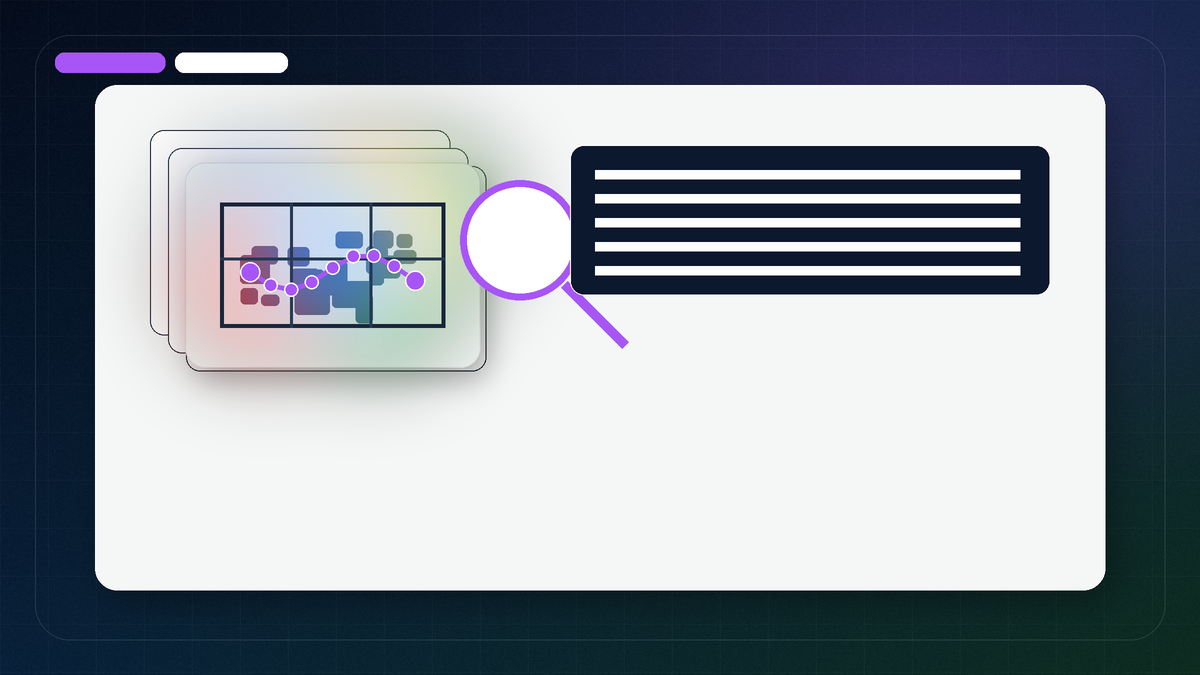
A WiFi survey report is not just a stack of green, yellow, and red heatmap screenshots. A professional report should connect the survey objective to measured RF evidence and then turn that evidence into practical recommendations.
The best reports answer three questions: what was measured, what does it mean, and what should be done next. That matters for offices, warehouses, medical spaces, retail sites, classrooms, and any building where wireless reliability affects daily work.
Sample WiFi survey report findings
The examples below are not copied from a client report. They show the level of detail a PacketScout-style report should contain so buyers know what a professional deliverable looks like.
Warehouse scanner finding
Evidence: scanner path shows weak SNR near dock doors, high AP overlap, and late roaming between aisle cells.
Action: retune channel/power plan, validate AP placement by aisle, and retest the scanner workflow after changes.
Office video-call finding
Evidence: conference rooms show strong RSSI but high channel contention and retry-prone airtime during meeting load.
Action: adjust channel width, review AP density, and validate Teams/Zoom call paths after WLAN tuning.
Coverage gap finding
Evidence: measured heatmaps show insufficient secondary AP visibility in a transition zone, causing unstable roaming.
Action: change AP placement or power plan, then run a validation survey on the actual walking route.
Illustrative report excerpt: from survey evidence to next action
Use this as the anatomy of one report row, not as another list of possible findings. In a real report, each line would reference the actual survey project, walked path, notes, floor plan, and project scope before recommending work.
| Report row | Illustrative excerpt wording | Why it matters |
|---|---|---|
| Finding label | Training-room tablets need a validation walk before the WLAN change is accepted. | The finding names a decision point without pretending this is a real site or a completed customer result. |
| Evidence a real report would cite | Walked seating rows, doorway transitions, client notes, signal quality views, channel-overlap review, and any relevant active test notes that a real report would capture for that room. | The report should show what evidence supports the conclusion instead of relying on a single colored coverage picture. |
| Operational meaning | Users may pass a basic connection test but still see session instability when tablets move between the seating area, doorway, and adjacent corridor. | Stakeholders can see why the issue affects work, not just RF charts. |
| Next action | Review AP placement and power around the room edge, reduce avoidable same-channel overlap, then repeat the planned tablet path. | The recommendation is specific enough for implementation planning without inventing a measured result. |
| Validation note | After changes, repeat the same walk path and application check so the team can compare behavior before accepting the WLAN update. | A professional report should leave the team with a way to prove the fix, not just a list of suggestions. |
| Assumption / limit | If the room layout, client model, or adjacent AP configuration changes, the report should say the finding needs re-checking. | Limit notes prevent an illustrative or preliminary finding from being treated as final evidence. |
This kind of excerpt is intentionally narrow. It does not replace the full report sections below; it shows how one finding should connect evidence, business context, next action, and validation so the deliverable is useful to both management and technical teams.
1. Executive summary
The report should start with a short business-level summary. This section is for managers, facilities teams, operations leaders, or IT stakeholders who need to understand the result without reading every heatmap layer.
A strong executive summary usually includes:
- the survey objective
- areas included and excluded
- major findings
- business impact
- highest-priority fixes
- any urgent risks or constraints
For example, a warehouse report may summarize scanner roaming problems in the picking aisles, weak SNR near dock doors, and channel reuse problems caused by APs mounted too high or too close together.
2. Scope and building context
The report should clearly document what was in scope. This prevents confusion later when someone asks why a lobby, outdoor yard, mezzanine, freezer, or office wing was not shown in the maps.
Useful scope details include floor names, approximate square footage, ceiling height, wall materials, rack or shelving notes, access limitations, and the device types that matter most. In a warehouse, barcode scanners and mobile computers may matter more than laptops. In an office, conference rooms and video-call spaces may drive the requirement.
3. Survey method and equipment
A professional WiFi site survey report should explain how the data was collected. That does not need to become a tool manual, but it should tell the reader enough to trust the results.
Include the survey type, toolset, walked path, measurement assumptions, and whether the survey was predictive, passive, active, AP-on-a-stick, post-install validation, or troubleshooting-focused. For Ekahau Sidekick work, include enough context to show that the floor plan was scaled, paths were walked intentionally, and notes were captured during the survey.
4. Floor plans and walked paths
Heatmaps are only as credible as the map scale and walked path behind them. A report should show where the surveyor walked and identify any areas that were inaccessible or only partially validated.
This is especially important in warehouses, hospitals, schools, and production areas where a missing aisle or locked room can change the meaning of the results. A walked-path view helps the reader separate measured areas from assumptions.
5. RSSI, SNR, and noise findings
Signal strength matters, but it is not the whole story. A useful report should show more than a single RSSI heatmap. At minimum, the report should explain signal strength, SNR, noise floor, and any obvious interference or channel conditions that affect reliability.
PacketScout usually treats these layers together because a green signal map can still hide poor performance if noise, channel overlap, retries, or roaming behavior are not reviewed.
6. Channel and AP analysis
The report should identify AP visibility, channel reuse, channel width choices, and areas where too many or too few APs are visible. More APs are not always better. High transmit power, wide channels, or poor placement can make roaming and airtime worse.
For WLAN survey work, channel analysis should support practical decisions: move an AP, reduce channel width, adjust power, change mounting, remove an unnecessary AP, or redesign a coverage cell.
7. Client device and application context
A report for business WiFi should connect RF results to actual client behavior. Laptops, VoIP handsets, tablets, barcode scanners, mobile computers, and IoT devices can behave differently on the same network.
For scanner environments, the report should note the scanner path, application session behavior, roaming needs, and whether coverage supports real work routes rather than only open floor space.
8. Findings and remediation plan
The most important part of the report is the action plan. Screenshots without recommendations leave the customer with another interpretation problem.
Good remediation guidance may include AP moves, antenna changes, additional APs, AP removal, power/channel adjustments, cabling notes, configuration review items, validation priorities, or areas that need a second pass after changes are made.
9. Before and after validation
When changes are made, the report should explain how success will be validated. This may be a follow-up survey, a limited validation walk, scanner-path testing, or a comparison against target thresholds.
Before-and-after validation is where a WiFi survey becomes useful evidence instead of a one time snapshot.
10. What a report should not do
A weak report often creates false confidence. Watch for reports that:
- only show one signal heatmap
- hide the walked path
- do not state thresholds
- do not explain report limitations
- do not separate measured data from assumptions
- recommend hardware without explaining the RF reason
- ignore the client devices that actually matter
If a report cannot explain why the recommended fix should work, it is not finished.
Is the survey report complete enough to act on?
Use this as a report-package acceptance check, not as a second design review. A useful survey report should let a business owner, IT lead, or project manager understand what was measured, why it matters, what to fix next, and what still needs validation.
| Report area | Evidence to look for | If it is missing |
|---|---|---|
| Scope and walked-path coverage | Floor plans, walked areas, excluded rooms, survey mode, and problem areas tied to the original request. For field collection mechanics, see WiFi site survey data collection. | Ask whether the trouble spots were actually surveyed before accepting access-point or configuration work as the next step. |
| Client and application requirements | The report should name the important client types and applications: scanners, voice handsets, video calls, roaming devices, guest users, or dense conference spaces. | Recommendations may be technically plausible but mismatched to the devices that actually drive the business problem. |
| RF evidence tied to impact | RSSI, SNR, noise, channel overlap, retries, or airtime observations should be present and connected to symptoms. For the RF terms themselves, use the RSSI, SNR, noise, and channel overlap guide. | A report with only colored pictures can be hard to defend; ask for the measurements or notes behind the finding. |
| Heatmap layers and limitations | Coverage, SNR, noise/channel views, and explanatory notes should be included where relevant. Use the WiFi heatmap report reading guide for interpretation details. | One green/red map is not enough to separate a coverage gap from noise, contention, roaming, or capacity pressure. |
| Prioritized remediation path | Findings should map to actions: AP location or count changes, channel/power adjustments, cabling needs, controller settings, or areas needing a focused follow-up. | The report may be informative but not budgetable; ask for what should happen first, why, and who owns it. |
| Validation or post-change test plan | The deliverable should state what needs to be re-tested after changes: coverage, roaming, scanner sessions, voice/video behavior, or post-install validation. | Without a validation path, the team cannot prove that the recommended work fixed the original complaint. |
| Assumptions and limits | Look for notes about locked rooms, survey timing, adapters used, construction changes, unavailable controller data, or areas that need another visit. | Stakeholders may treat weak evidence as final; the report should show where confidence is high and where it is conditional. |
The goal is not to reject a report because every chart is not perfect. The goal is to confirm that the deliverable is actionable: it connects the measured evidence to a business decision, explains what risk remains, and gives the team a way to validate the next step.
FAQ
Is a heatmap the same as a survey report?
No. A heatmap is one visual layer. A survey report should explain scope, method, findings, limitations, and recommended next steps.
Should a WiFi report include SNR and noise?
Yes. Signal strength alone can be misleading. SNR, noise floor, channel behavior, AP visibility, and client requirements help explain whether the network is actually usable.
Does a report need executive and technical sections?
For business projects, yes. Managers need the short version, while IT or installation teams need the technical detail behind the recommendations.
Can PacketScout review data we collected?
In many cases, yes. If your team collected Ekahau or Sidekick survey data, PacketScout can help review the report quality, interpret findings, or recommend a follow-up survey if the data is incomplete.
What should I ask for before accepting a WiFi survey report?
Ask for the missing pieces that make the report actionable: the surveyed scope, client and application requirements, RF evidence, heatmap layers, prioritized fixes, assumptions, and a validation plan. You do not need to reinterpret every heatmap yourself; you need enough deliverable detail to decide whether the report package can support the next business decision.
Want PacketScout to review the site?
Send PacketScout the floor plans, survey objective, screenshots or project files if available, and the areas where users are having problems. PacketScout can help decide whether you need a full onsite survey, a validation walk, rental equipment, or report review support.
Turn a professional WiFi survey report into a service scope
If you need PacketScout to produce or interpret survey deliverables, start with WiFi site survey services, compare WiFi survey cost, or use WiFi heatmap services when the report needs coverage and SNR validation.
Want PacketScout to review your WiFi survey report?
PacketScout can help turn survey data into clear findings, remediation steps, and validation priorities.