
AP on a stick WiFi survey: when it is worth doing
AP on a stick WiFi survey: when it is worth doing
AP on a stick WiFi survey guide for validating proposed AP locations before cabling: when to use it, what to prepare, how to avoid bad assumptions.
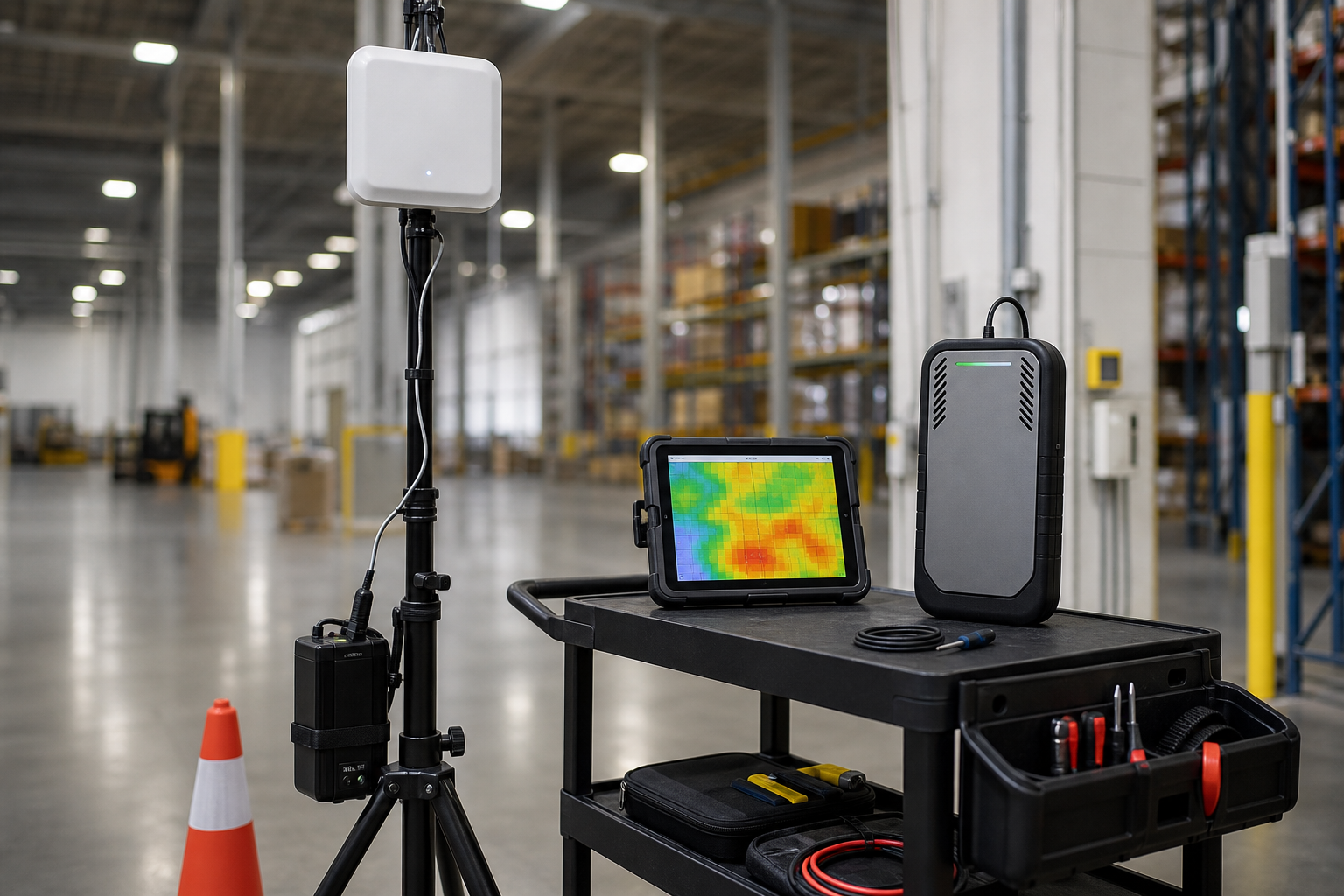
An AP on a stick survey is a temporary field validation workflow. A proposed AP, or an equivalent AP/antenna setup, is placed in a candidate location before permanent cabling and mounting. The goal is to test whether the proposed placement behaves well enough to support the design assumptions.
This workflow is useful when the cost of guessing is high. It is not needed for every office. It can be useful when building materials, warehouse racks, ceiling height, antenna direction, or client requirements create uncertainty.
When AP on a stick is useful
Consider an AP on a stick workflow when:
- AP locations are expensive or difficult to cable
- mounting options are limited
- wall or rack materials are uncertain
- the site has high ceilings or unusual obstructions
- directional antennas are being considered
- a warehouse aisle or dock area needs proof before install
- a predictive model needs field validation
- failure would affect scanners, voice, safety, or production workflows
The workflow is about reducing risk before permanent work begins.
What it can prove
A temporary AP test can help answer:
- Does the proposed AP location cover the intended area?
- Does the mounting height/direction make sense?
- Does signal reach the client path with enough usable margin?
- Does the placement create excessive overlap with nearby APs?
- Does the antenna choice need to change?
- Are there obstructions or reflections the model did not capture?
It should be interpreted with the rest of the design. One temporary AP test is not a complete network design by itself.
What it cannot prove by itself
An AP on a stick survey should not be oversold. It may not fully prove:
- production capacity under real user load
- every roaming outcome
- long term inventory changes
- final cable path or install safety
- controller/RRM behavior after all APs are installed
- all client device behavior
It is a field validation step, not a magic substitute for design and post install verification.
Preparation checklist
Before testing, define:
- AP model or equivalent test AP
- antenna type and orientation
- temporary mounting method
- safe power source
- floor plan and scale
- candidate locations
- target areas and client paths
- bands/channels/power assumptions
- nearby APs that may affect results
- safety requirements for ladders/lifts/warehouse floors
If the final AP will use a directional antenna, the temporary setup should represent that as closely as practical. If it cannot, note the limitation.
Field workflow
- Mark candidate AP locations on the floor plan.
- Place the temporary AP safely in the first candidate location.
- Set test configuration intentionally; do not let accidental channel/power choices drive conclusions.
- Walk the intended user/client areas.
- Collect signal, SNR, noise/channel context, and notes.
- Repeat for alternate locations if needed.
- Compare the results against the design objective.
- Document limitations: temporary mounting, power, antenna mismatch, access constraints, or missing client testing.
Warehouse example
A warehouse design calls for APs down long aisles. The model suggests a high mounting point, but racks, product material, and dock activity create uncertainty. A temporary AP test can compare down aisle and cross aisle positions before cabling. The report should connect results to scanner paths and operational zones instead of stopping at a coverage screenshot.
Office example
A conference room area has glass walls and dense video call usage. A temporary AP can help validate whether a proposed location improves the room without creating unnecessary overlap in nearby spaces.
How to decide whether it is worth the effort
Use AP on a stick when the cost of being wrong is higher than the cost of testing. If cabling is easy and the environment is straightforward, predictive plus post install validation may be enough. If lift work, production downtime, warehouse safety, or scanner reliability is involved, field validation can be cheaper than a bad install.
PacketScout next steps
Use wireless network design services when AP placement needs planning before installation. Use warehouse WiFi survey and design when the AP on a stick question involves aisles, docks, scanners, or manufacturing operations.
Test plan template
An AP on a stick test should have a written test plan before anyone carries equipment through the building.
| Test plan item | Example |
|---|---|
| Objective | Validate proposed AP location for aisles 10 to 14 scanner coverage |
| Candidate location | Column line C12, temporary height near final mount height if safe |
| AP/antenna | Same or equivalent AP/antenna planned for final design |
| Band/channel/power | Defined test settings, documented before walking |
| Walk path | Aisles 10 to 14, dock staging edge, and scanner complaint zone |
| Success question | Does the proposed location support the intended scanner path with usable RF margin? |
| Limitations | Temporary mounting, partial inventory state, not a full production load test |
| Next decision | Keep location, adjust mounting/antenna, test alternate location, or redesign |
The value of the test is not the temporary AP itself. The value is the decision it makes possible.
Safety and logistics
Temporary AP testing often involves warehouses, ceilings, ladders, lifts, or production spaces. Do not improvise. Confirm power, mounting, trip hazards, equipment protection, worker traffic, and whether a safety escort is required. If the final AP would be mounted in a difficult location, the temporary test should still be performed safely and should document any difference between test height and final mounting height.
How to compare candidate locations
When testing multiple locations, keep variables controlled. If one test uses different power, channel width, antenna direction, or map scale, the comparison may be misleading. Document every candidate location and walk the same critical paths where possible. Compare signal, SNR, channel impact, coverage shape, client path, and install practicality.
A candidate with slightly weaker signal may be better if it creates cleaner channel reuse, simpler cabling, safer mounting, and better alignment with the actual client path. AP placement is a design decision, not a contest for the brightest heatmap.
Deliverable expectations
The final note should include candidate locations, test settings, walked paths, heatmap/RF results, field photos or notes, limitations, and a recommendation. If the result is inconclusive, say so and define the next test. False certainty creates worse designs than honest uncertainty.
Final install handoff
If the temporary test supports a candidate location, the handoff should still translate the finding into install language. Include the chosen AP location, expected mounting height, antenna direction, cable/lift constraints, nearby obstructions, and the validation path after install. The installer should not have to reverse engineer the survey notes.
After permanent installation, re check the affected area because the final AP mount, cable path, antenna angle, channel plan, and neighboring AP behavior may differ from the temporary test. That final validation closes the loop between design assumption, temporary proof, and production network. For multi-phase AP replacements, that same proof loop belongs in the wireless network refresh plan.
FAQ
Is AP on a stick required for every WiFi design?
No. It is most useful when RF assumptions are uncertain and the cost of wrong AP placement is high.
Can AP on a stick replace a predictive design?
No. It can validate candidate locations, but a full design still needs floor plans, requirements, AP count/placement planning, channel/power thinking, and post install validation.
Is AP on a stick useful in warehouses?
Often, yes. Warehouses can have high ceilings, metal racking, changing inventory, docks, and scanner paths that make field validation useful before permanent cabling.
Want PacketScout to review the site?
Send the floor plan, square footage, AP model, critical devices, and the problem you are trying to solve.